Community Education & Outreach
Led hands-on STEM and digital preservation workshops at public events, including a drone coding session at Santa Clara's STEM Zone and a photogrammetry workshop at ATALM 2025.
Overview
Ran hands-on technology workshops for public audiences ranging from students writing their first drone code to indigenous communities digitizing cultural artifacts.
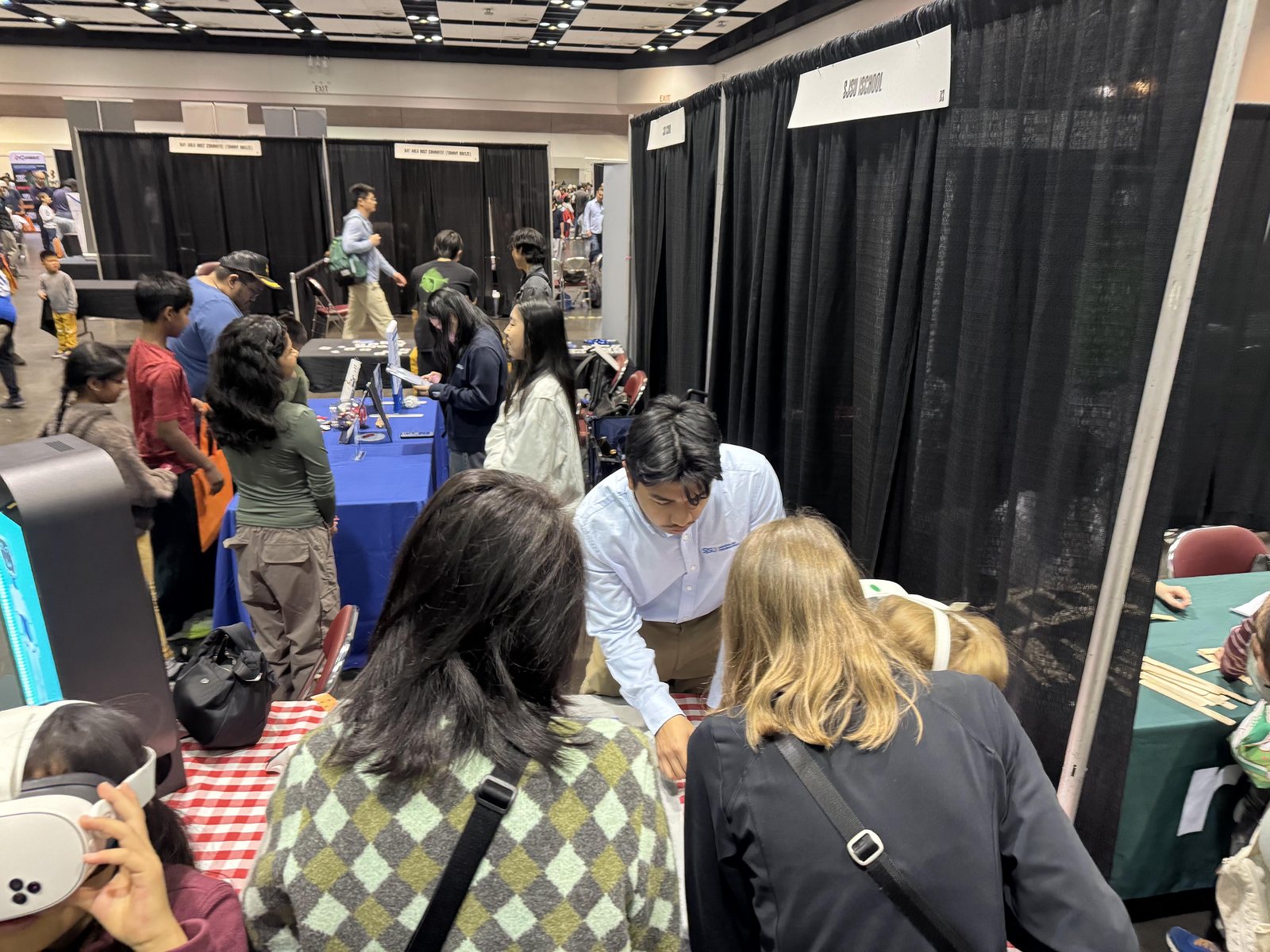
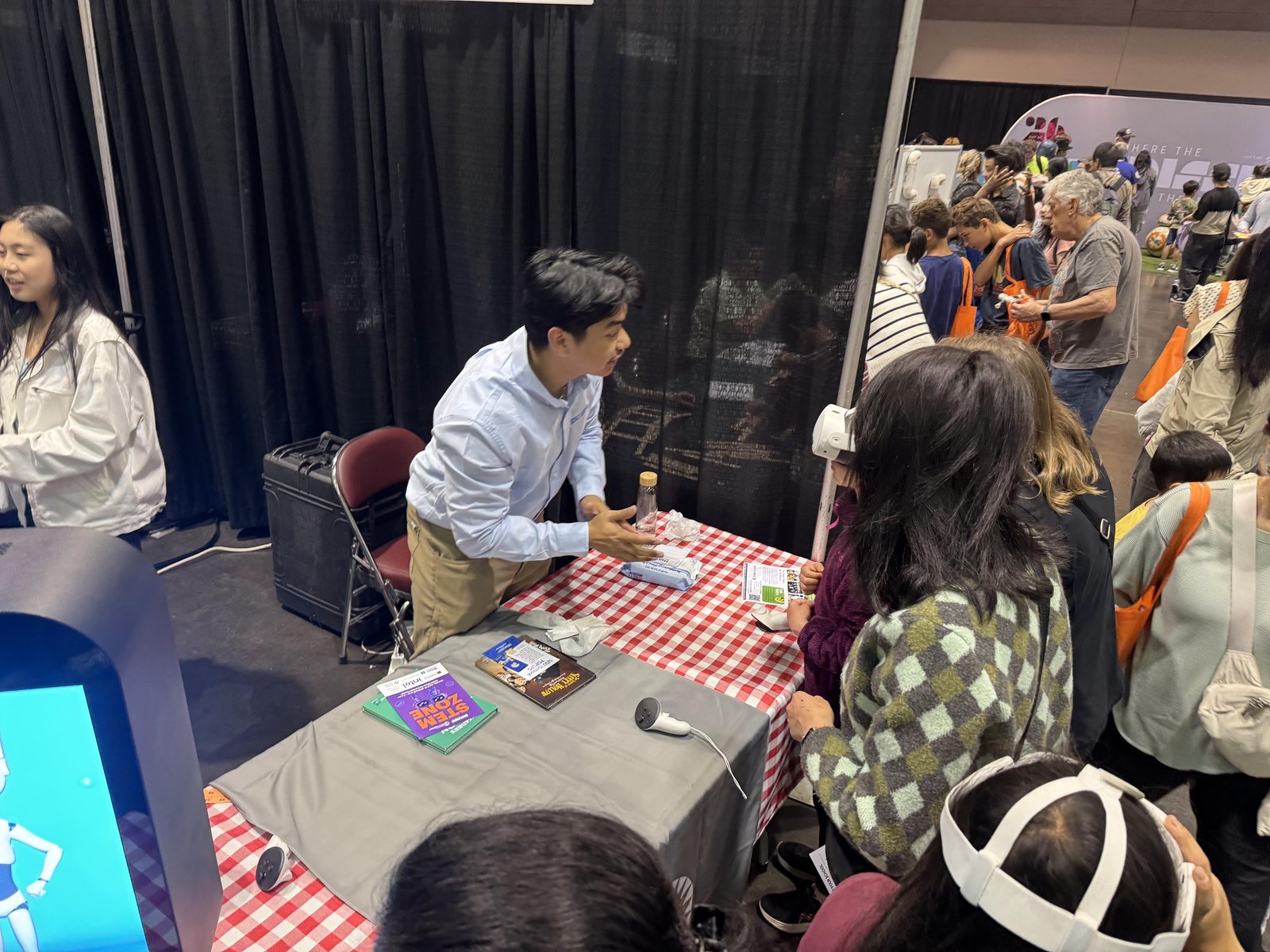
At the City of Santa Clara's STEM Zone (April 2026), I ran a drone coding workshop at the SJSU iSchool's booth alongside Stanford, SCU, and Mission College. Participants programmed DJI Ryze Tello drones in Scratch and Python, many of them for the first time.
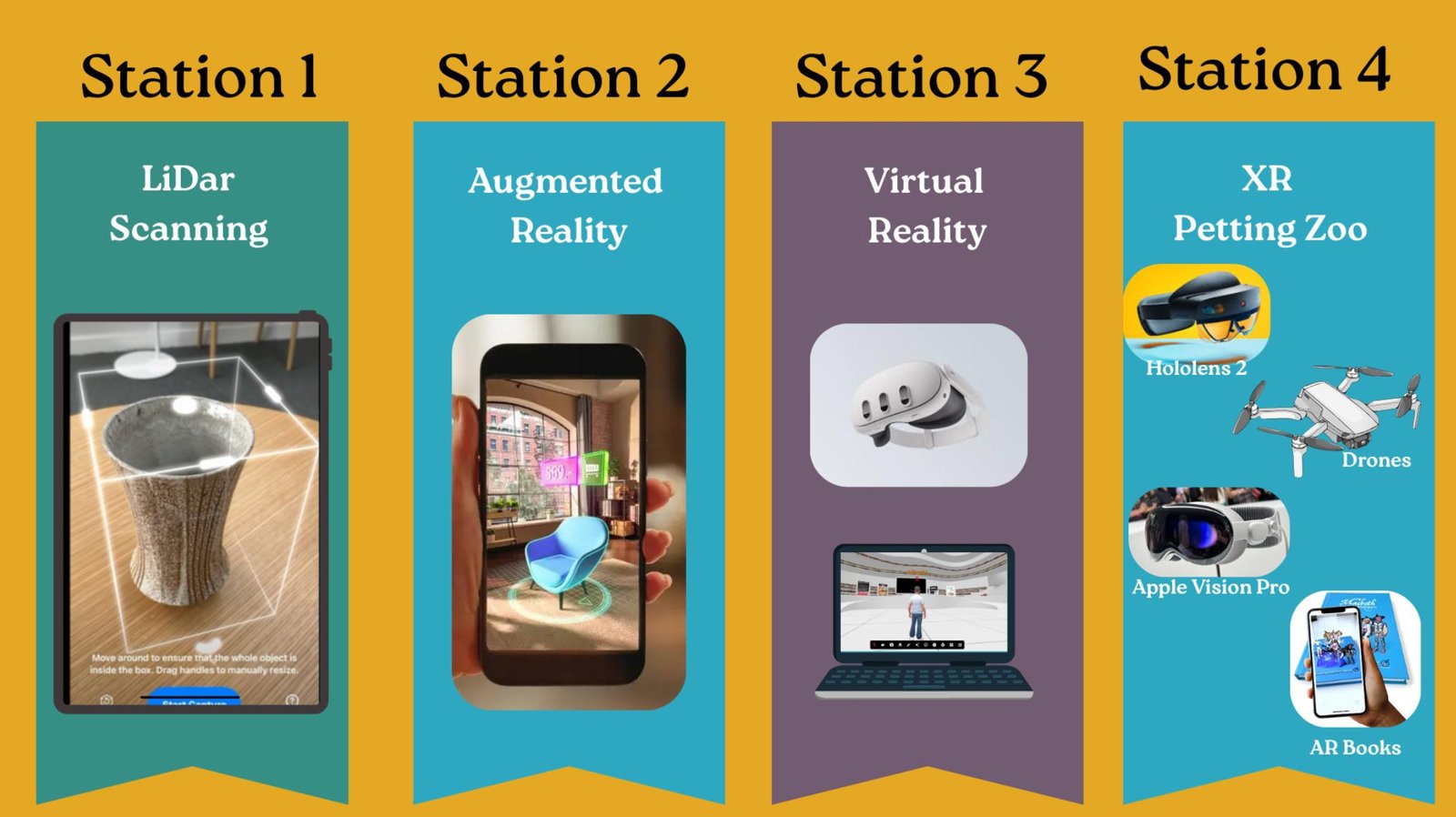
At ATALM 2025, I co-developed curriculum and hands-on exercises to make photogrammetry accessible to audiences with limited technical backgrounds, focused on digitizing indigenous cultural artifacts.
The goal in both cases was the same: make the technology easy enough to actually use, and leave people with something they can take home.
Development Process
Designing accessible curriculum
For the photogrammetry workshop I kept the session on Polycam: capture, clean up a model, leave with a file. The audience was people digitizing cultural artifacts who do not already do 3D. For the Santa Clara STEM Zone drone session, the path was Scratch and Python on a DJI Ryze Tello, short enough that a first program could move the aircraft. My TelloProject repo is a separate browser workshop for the same drone: one-click takeoff and landing, direction and flip controls, and a block builder.
Running the workshop
STEM Zone was a booth: people stopped, wrote a short drone program, and watched a Tello respond. The photogrammetry workshop was hands-on capture in Polycam, aimed at audiences with limited technical background. ischool-hologram-workshop is another public iSchool page, for Spectre displays. You drop in an image or video, it builds the four-face layout the pyramid prism needs, then you preview or download it.
Adapting on the fly
The setups fail in different ways, so one plan cannot cover every table. TelloProject only reaches the drone from a computer already joined to that aircraft's Wi-Fi (the drone hosts a network named TELLO- plus an id). The hologram page is static files, so it still opens on GitHub Pages if you only have a phone. When the live drone link is the fragile part, the Polycam path does not need the aircraft at all.
Challenges
- The first ten minutes are the hard part for someone who has never coded or scanned. Polycam has to be a capture recipe, not a lecture on meshes. Scratch or Python has to end in a movement the person can see. If the step after hello is unclear, the tool lost them.
- The gear is picky. A Tello takes commands from a device on its own Wi-Fi, so a laptop still on venue Wi-Fi will not connect. That constraint is written into TelloProject. A Spectre prism needs a four-face clip, not a normal fullscreen video, which is why the hologram page reformats the file before download.
What I Learned
- Facilitating these rooms is mostly translation. People remember the model or the flight, not the stack. I try to end on something they can take with them: a Polycam file, or a program they watched run.
- I would write the participant path first and keep the instructor demo as the fallback. TelloProject already has large manual controls and blocks, and it still depends on that drone Wi-Fi. The hologram app formats a file and previews it. It is not yet a step-by-step lesson.